Websites
Add, verify, pause and configure the websites in your organisation.
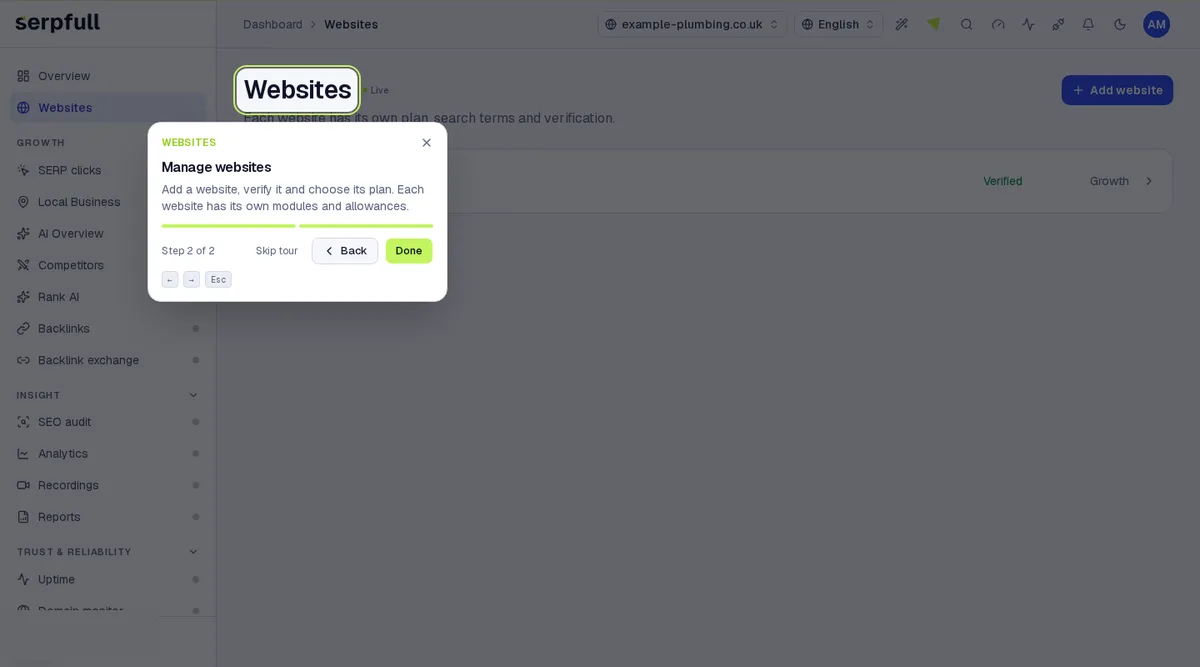
Each website has its own plan, quota, search terms and behaviour settings. The switcher in the header keeps your current module when you switch websites. On Socials pages it picks a social account instead, and on Emails pages a mailbox. The Websites page shows headline numbers across your websites, a card for each website with its verification and plan, and the Websites modules. Socials, Emails and Outreach pages use the same layout, and Overview shows a section for each of the four.
Verification
Runs only start on verified websites. See Verify your website for the three methods.
Pausing
Pause a single site from Website settings, or every site from Settings → Danger zone. Scheduling stops immediately.
Take the guided tour
In the dashboard, click the wand icon in the header and choose “Websites”, or pick “Tour this page” while you’re on it. The tour highlights each part of the page step by step.
Updated